
Async Video Interview Tips: Look Into the Lens, Not the Screen
The async video interview, also called one-way video or video screener, is the 2026 replacement for the first-round phone call. You record yourself answering three to six prompts. The recruiter, or an AI scoring tool, reviews the clips on their own schedule. No back-and-forth, no follow-ups, no do-overs past the re-record limit.
Peoplebox.ai's 2026 hiring-tools research found that 43% of companies are now using or planning to adopt AI-powered interview tools, and one-way video is the dominant first-round format. It is also the format most candidates prepare for least. The physical mechanics are different from a live Zoom interview, and the candidates who adjust their delivery to the format consistently out-perform the ones who treat it like a phone call with a camera.
Key Takeaways
- Look at the camera lens, not your own face in the preview window. Cover the preview with a sticky note if you need to.
- Assume one re-record. Most platforms allow one, some allow zero. Prep like the first take is the only take.
- Answers run 60 to 90 seconds. Past 90 seconds, viewer attention drops hard.
- Project 20% more energy than feels natural. Dead camera lenses eat affect.
- Frame and light the shot before the clock starts. The visual setup is part of the evaluation whether you want it to be or not.
Why the mechanics are different
A live interview has feedback loops. The interviewer nods, smiles, asks a clarifying question, and your delivery recalibrates in real time. A one-way video has none of that. You are talking into a glass eye with no confirmation the other side is receiving the signal. Candidates experience this as flatness, lose affect, and finish the recording sounding monotone. The fix is mechanical, not mental.
1. Look at the lens
This is the single biggest thing to change. Most candidates stare at the preview window showing their own face, because it feels like looking at a person. It is not. The lens is the camera. The lens is where the "other person" experiences eye contact.
The fix: cover the preview window. A sticky note across the thumbnail of your own face works. Move the application window to the far side of the screen so the lens (top center of your laptop) and the window you are reading prompts from do not compete for your gaze. Look at the dot above your screen. That is the interviewer.
2. Use the 30-second re-record window wisely
Most platforms give you one re-record per question. Some give zero. A small minority give you up to 30 seconds to decide before committing. Assume the worst case, one take is the take.
Before you record any question:
- Read the prompt twice.
- Write two to three bullet points on a sticky note, off-camera.
- Think through your opening sentence.
- Then start the recording.
The re-record is for a sentence that came out genuinely wrong, not a mid-answer correction. Use it carefully. Platforms flag excessive re-records and some recruiters see the count.
3. Keep answers between 60 and 90 seconds
The ideal async video answer is shorter than the equivalent live answer. Viewers, human or AI scoring, lose engagement past 90 seconds on recorded content. Answers over two minutes are commonly truncated in review.
Structure: one-sentence answer, two to three sentences of evidence or example, one-sentence close. That is the whole shape. If you find yourself rambling, stop the recording (if re-record is available) and restart with a tighter outline.
4. Over-project
A camera lens does not emote back at you. Your natural affect, which feels normal in a live conversation, reads as muted on recording. Counter-calibrate. Smile slightly more. Raise your hands occasionally into frame. Vary your pitch more than feels comfortable.
The test: watch your practice recording. If you sound engaged on playback, your live delivery was probably too much. Almost every candidate errs the other direction.
5. Frame and light the shot
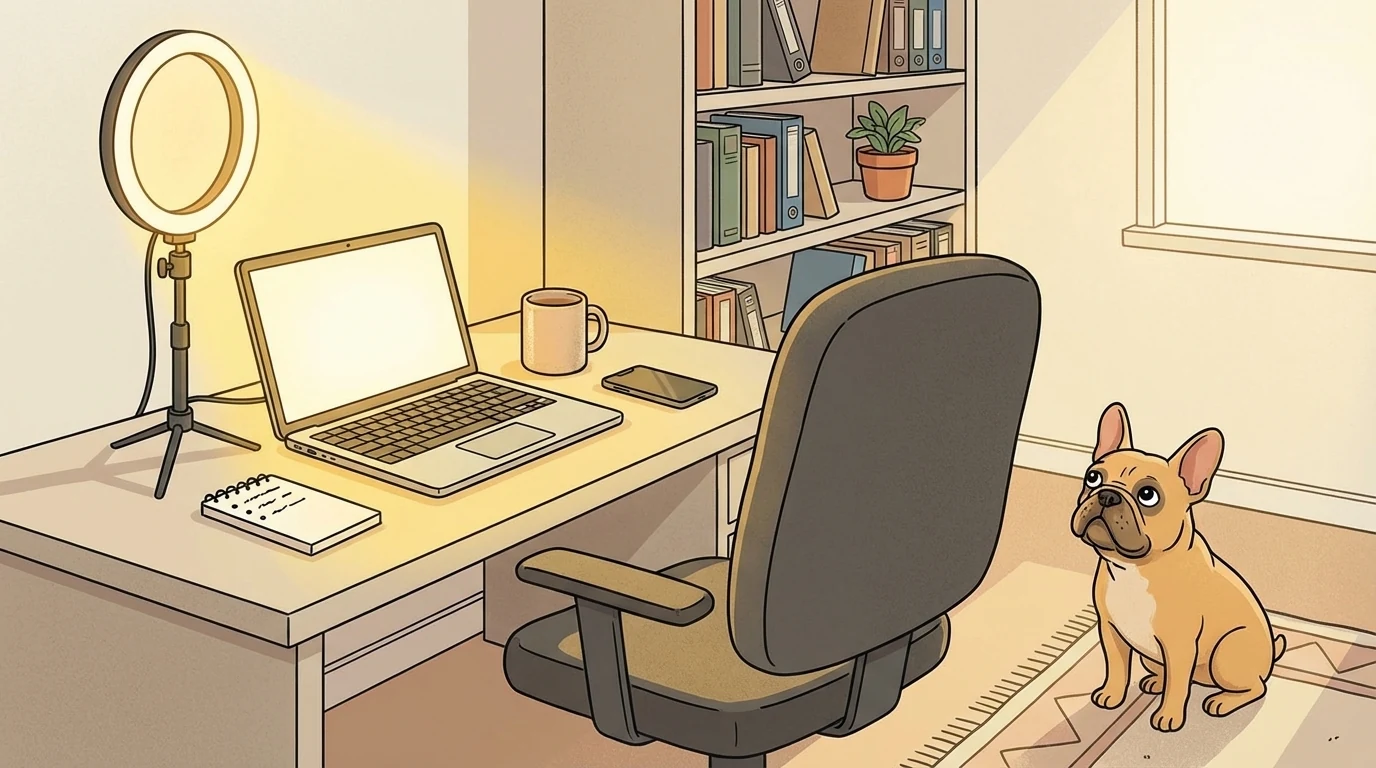
Camera at eye level, not angled up from your lap. Your eyes should sit about one-third from the top of the frame. Light from in front of you, not behind, a window facing you works, a window behind you turns you into a silhouette. A small ring light or desk lamp pointed at a wall as a bounce card is a $30 upgrade that makes a real difference.
Background: neutral, uncluttered, not a rumpled bed. A bookshelf, a blank wall, or an intentionally tidy corner. Virtual backgrounds are fine if your platform handles them well, but edge artifacts around your head on a live recording look amateurish.
6. What AI scoring tools actually evaluate
If the platform is AI-scored (HireVue, Modern Hire, Paradox, others), the tool is usually evaluating three things:
- Verbal content, did you answer the question, did you use the relevant keywords, was the answer the right length
- Delivery signals, pace, pauses, energy, filler words
- Visual signals, eye contact with the lens, stability of framing, presence of a face in the shot
None of these require deception, they reward candidates who prepared and who understand the format. There is no trick. The candidates who win the async round are the ones who treated it like a format with its own mechanics and prepped accordingly.
The 10-minute pre-interview checklist
- Test the camera and microphone on the platform's practice question, if available.
- Check the lighting, face lit, not backlit.
- Cover the preview window so you are not tempted to stare at yourself.
- Pull up the job posting in a separate window for reference.
- Have a glass of water off-camera. Dry mouth on recording is loud.
- Close every notification on your laptop and phone.
- Write three bullet points for the most predictable question (tell me about yourself).
- Take one deep breath. Start recording.
The point
The async interview is not harder than a live interview. It is just different, and the candidates who treat it like a live call with the interviewer invisible do worse than the candidates who treat it like the camera-forward format it actually is. Ten minutes of prep and three practice recordings close most of the gap.
Gate Crashers runs full interview prep including async video format practice in the app. See it at gatecrashers.ai/pricing.